
Aiformleads · Capture leads and classify them without touching a spreadsheet
 AI
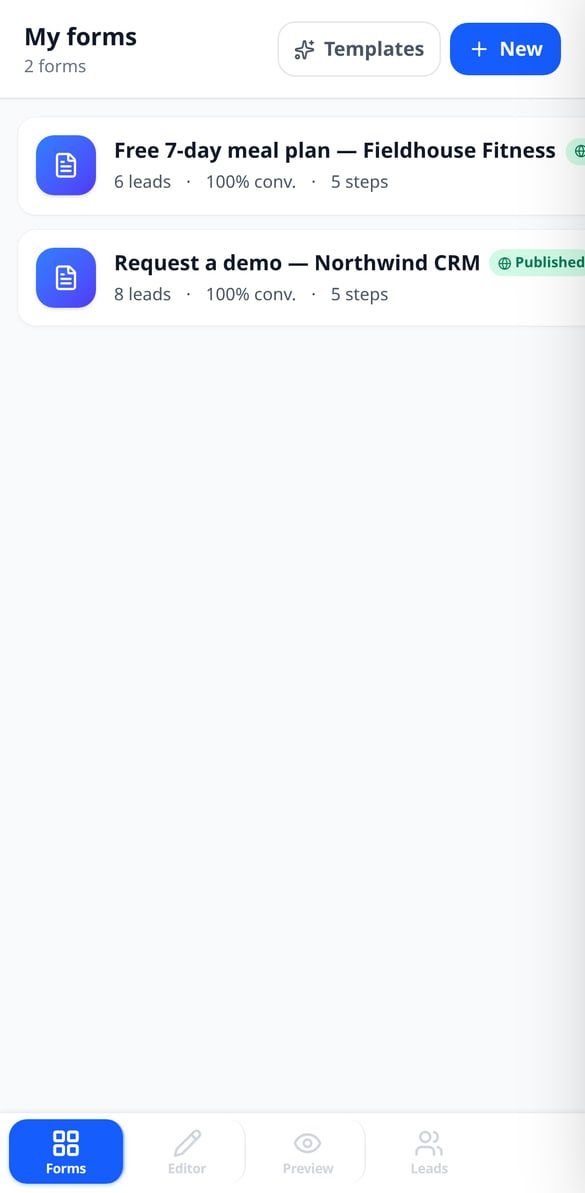
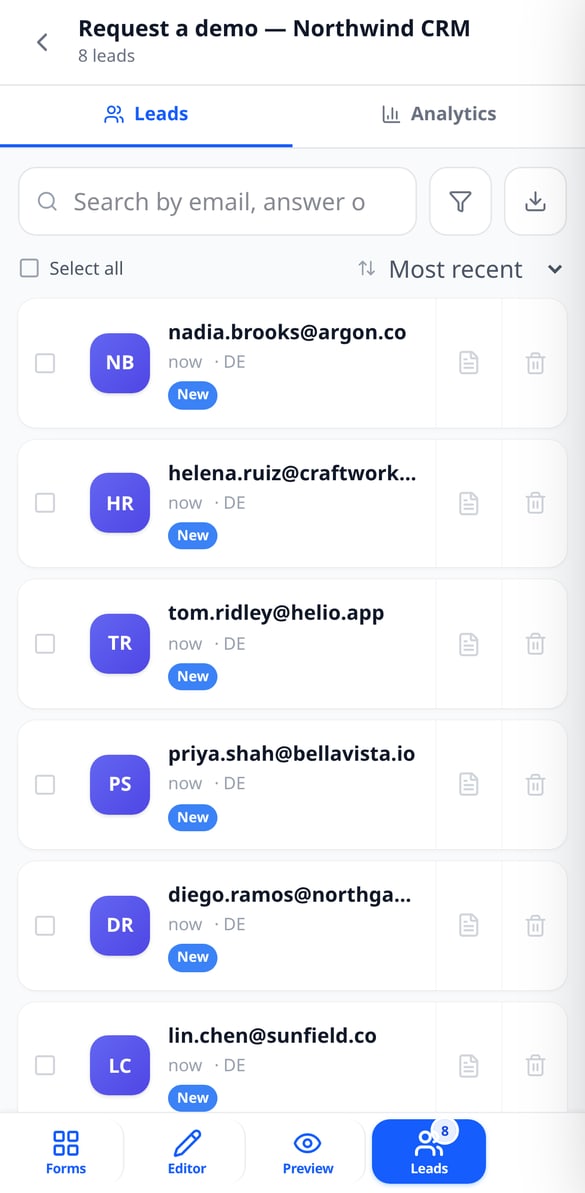
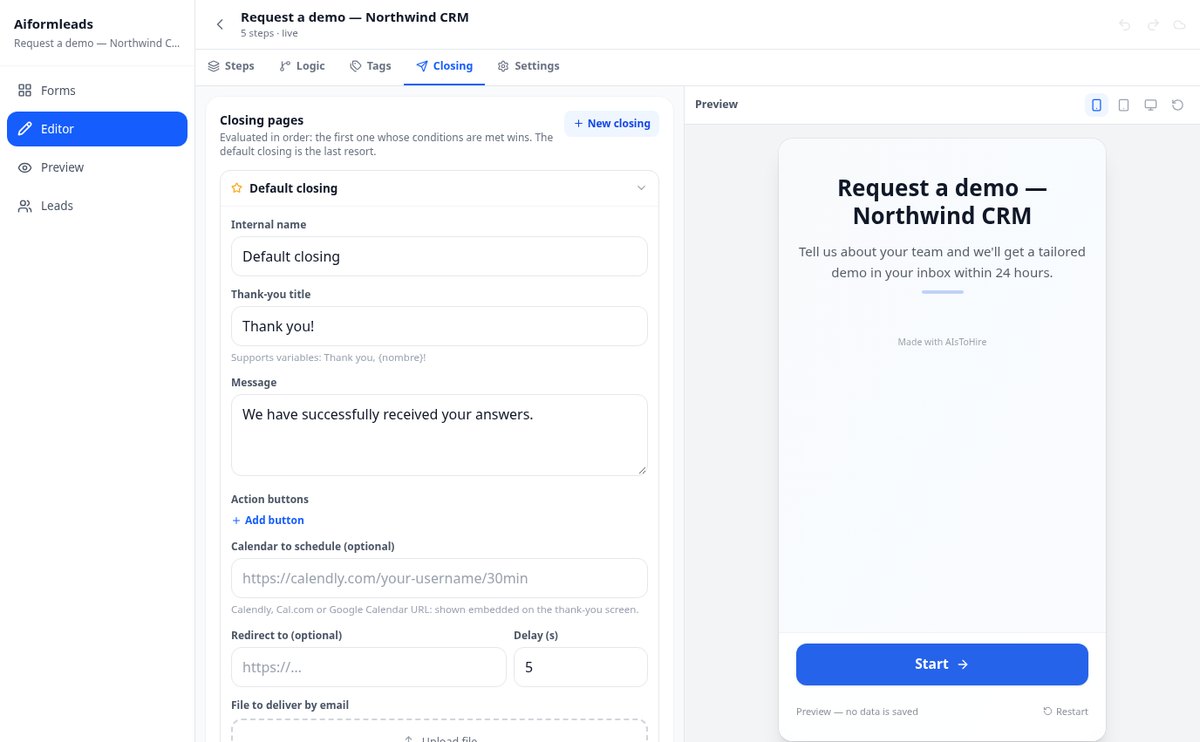
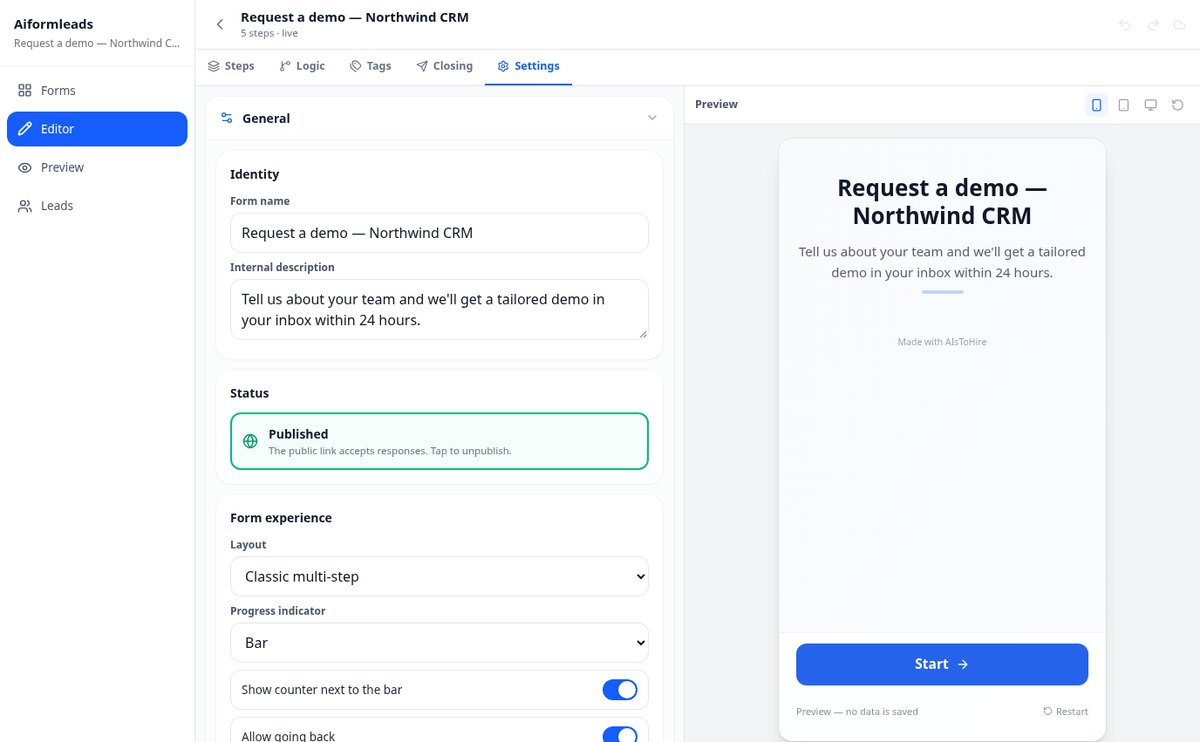
For marketing and sales teams who get responses and don't know which ones deserve a call: build a multi-step form, define the rules that tag and score each lead on submission, and work the inbox filtering by tag.
In the features that use AI, responses are generated by artificial intelligence and are not a substitute for professional advice.
你還記得上次這個動作用了多少重量、做了幾下嗎?
筆記本會弄丟,手機備忘錄在組間很難查看,Excel 也無法告訴你有沒有進步。aiGym 會記錄每一組的重量、次數與 RIR,下次你打開該動作時,會直接幫你填好:只要確認或加重量即可。從此你可以查看歷史紀錄,以及重量、訓練量與預估 1RM 的圖表,還有每一次打破的紀錄。
Start for free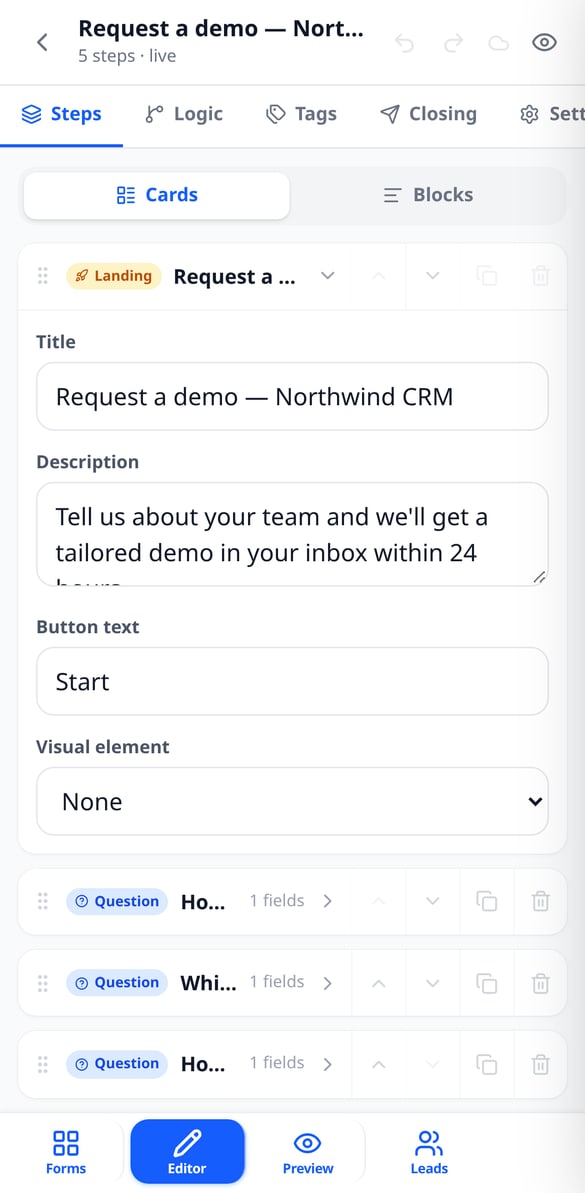
Discover every feature in detail

Multi-step Form Builder with Conditional Logic | Aiformleads
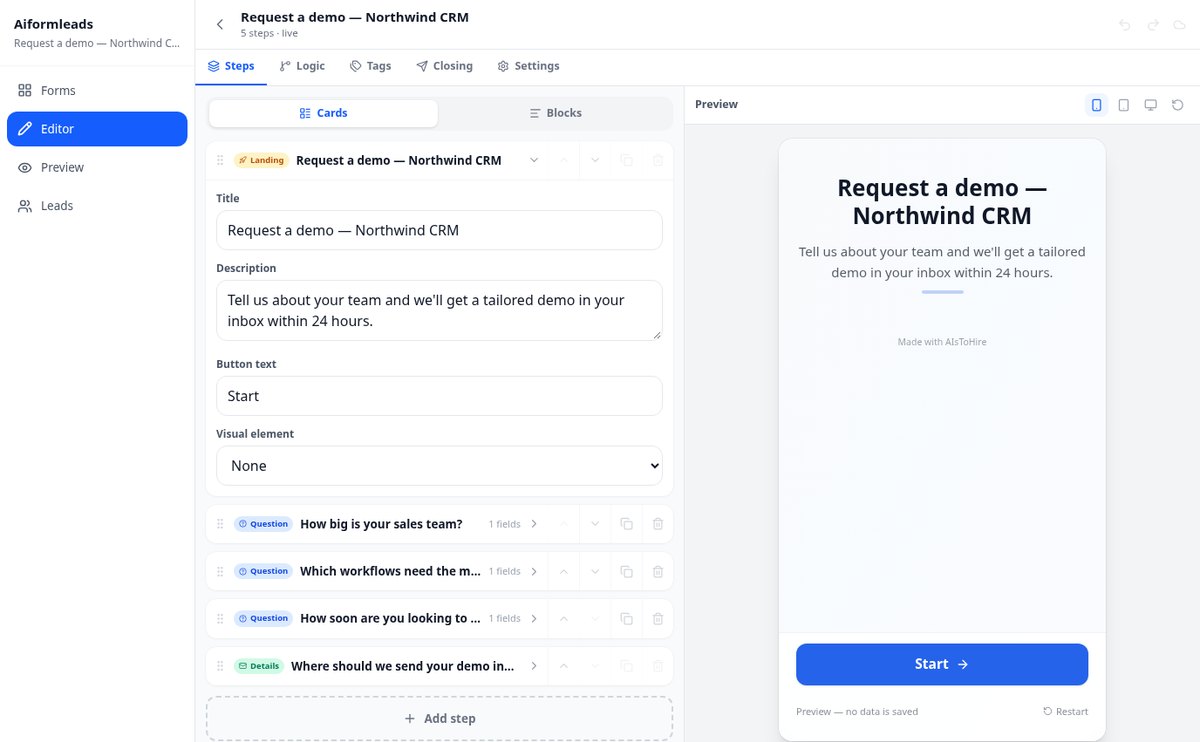
Create multi-step forms with conditional logic: each question appears only if your condition is met, and jump logic guides each person along their unique path. Free.
View feature
A/B and Multivariate Form Testing with Automatic Winner | Aiformleads
Perform A/B and multivariate tests on your lead capture forms: split traffic by weight, generate combinations of titles and buttons, compare conversion with a margin of error, and serve the winning variant 100%. With segmentation by UTM, referrer, or cookie.
View feature
Lead scoring and automatic lead tagging | Aiformleads
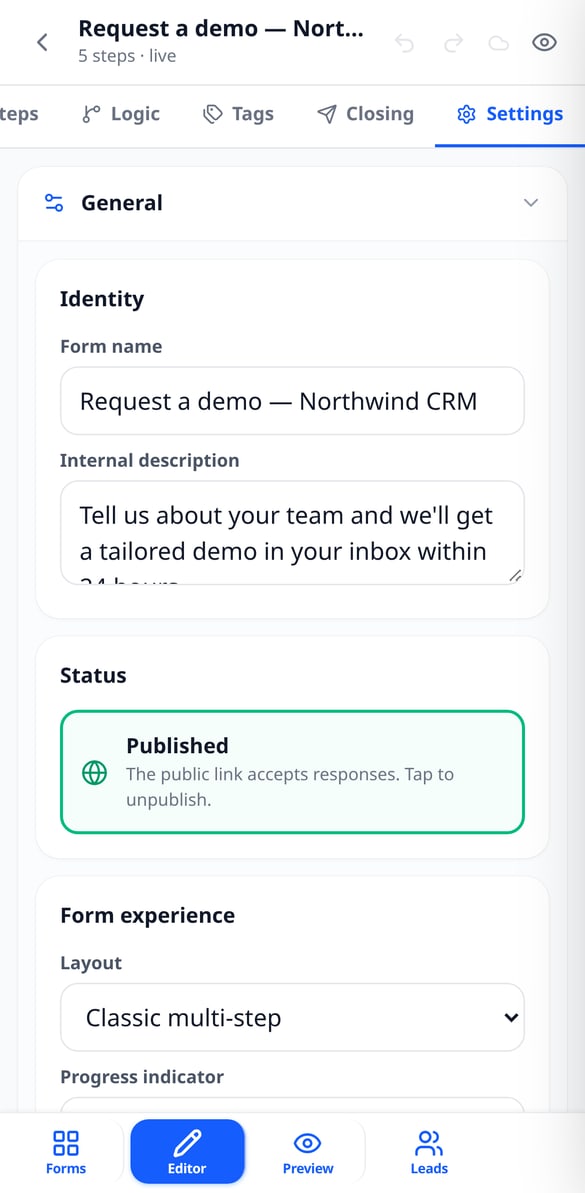
Score and tag each lead as soon as they submit the form: rules with AND/OR conditions, parent-child tags, default tag, exclusions, and qualification thresholds. Free.
View feature
Form Conversion Funnel Analytics: Drop-off and Times | Aiformleads
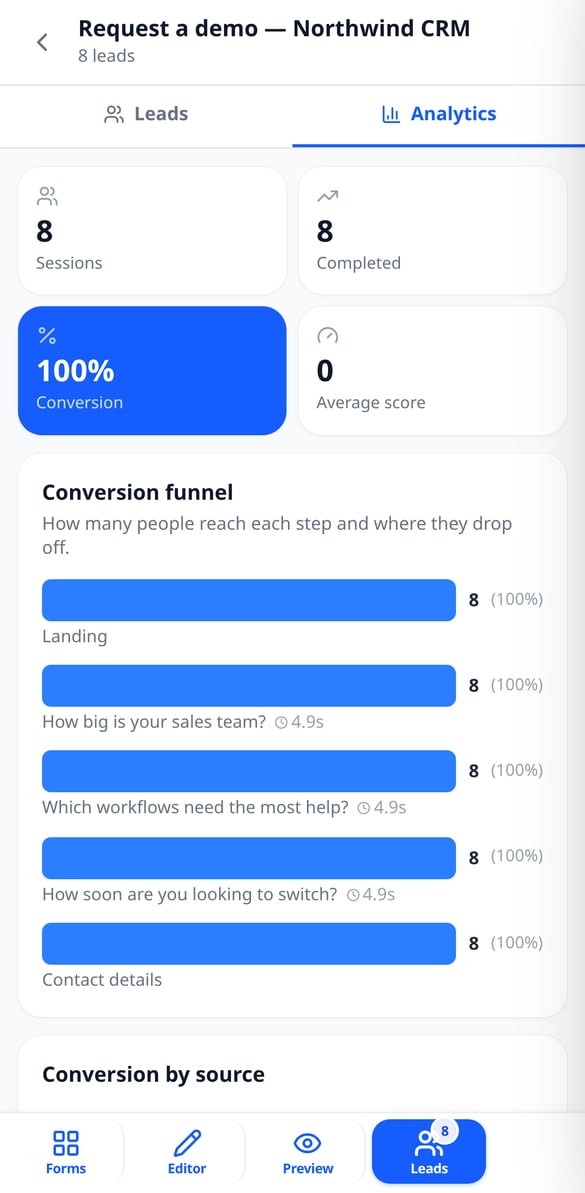
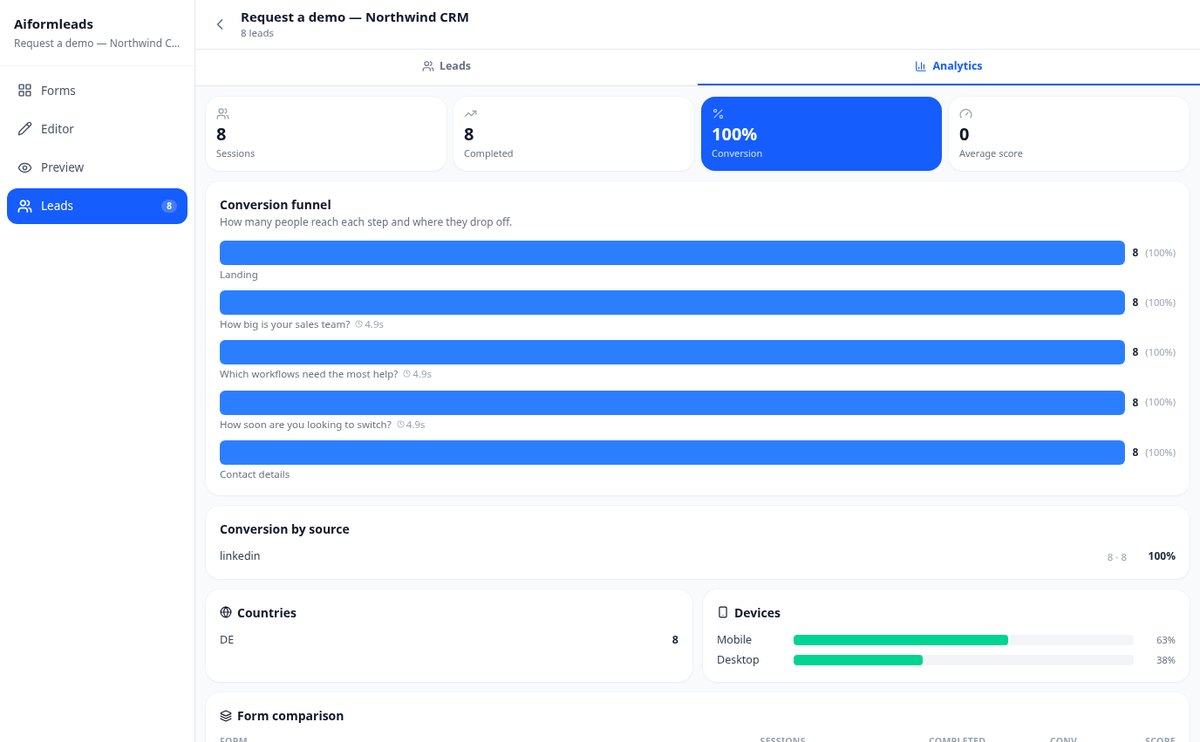
Measure at which step people abandon your form: conversion funnel with drop-off percentage, average time per screen, conversion by UTM source, countries, devices, and form comparison. Without external tools.
View feature
13 Field Types: Signature, Calculation, Matrix, and Slider | Aiformleads
Forms with electronic signature, formula-calculated field, matrix, slider, star or NPS rating, structured address, phone by country, and file upload. Thirteen field types with their own validation and conditional rules.
View feature
Anti-spam for forms: honeypot, captcha, and IP limit | Aiformleads
Forms with integrated anti-spam: invisible honeypot field, Google reCAPTCHA v3 or hCaptcha, IP submission limit, duplicate and disposable email blocking. Server-side verified.
View featureFrom form to classified lead
訓練時 aiGym 能為你做的一切,沒有冗長的表單,也沒有多餘的步驟。

Multi-step forms with logic
Thirteen field types — text, choice, NPS scale, slider, matrix, date, phone, address, file, signature or calculation — spread across as many steps as you need. Each step and each field can show only when your conditions are met, and an answer can jump straight to another step. Ten ready-to-start templates.

Automatic tagging and lead scoring
Rules like 'if the budget is over X and urgency is high, tag hot-lead' evaluated in order when the form is completed. Each option can add points, and thresholds turn that total into a grade. A coverage indicator warns you which answers are still left without a rule.

Funnel, inbox and export
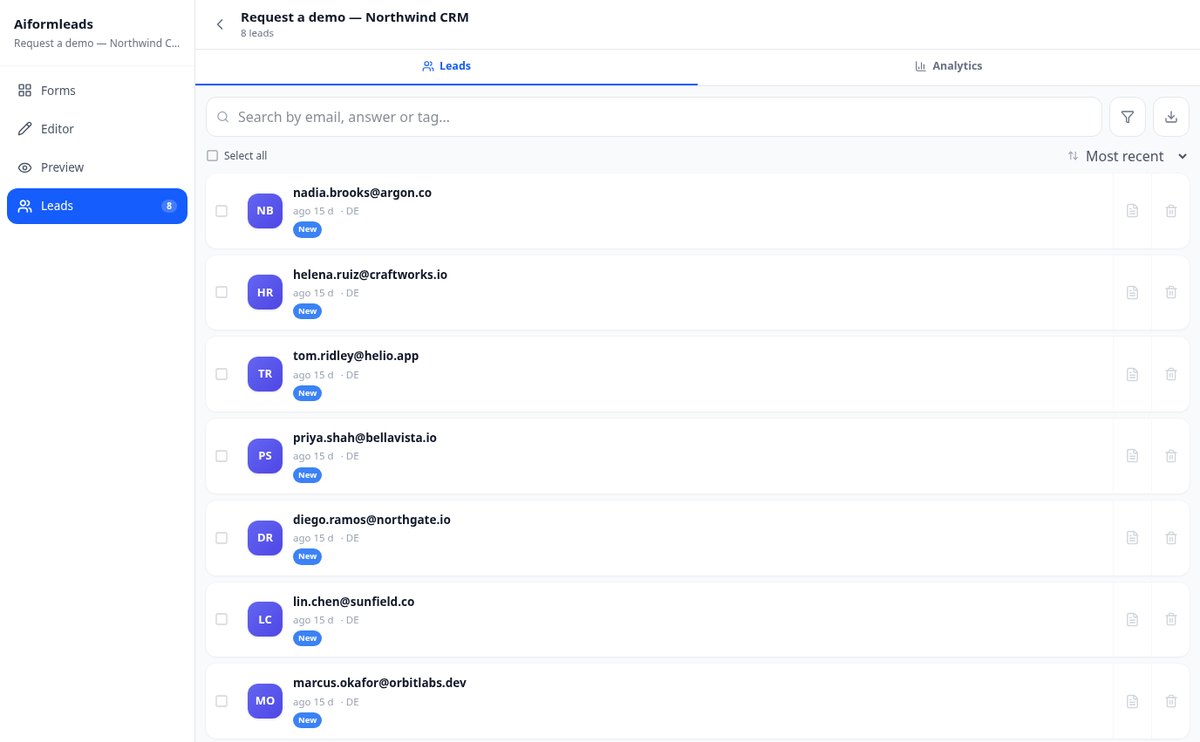
See how many people reach each step and where they drop off, with conversion by source, country, device and variant. The inbox filters by tag, status or score, supports notes and bulk actions, and exports to CSV or Excel choosing the columns.
From idea to first classified lead
選擇你的課表
免費建立帳號,套用推拉腿、全身或上下肢分化範本。你可以完整編輯,也可以從第一天就不用課表直接練。
邊練邊記錄
開始訓練,每組點一下確認,讓休息計時器自己跑。器材被占用時,可以隨時加入其他動作。
看見自己的進步
結束後會看到訓練摘要,包含你的訓練量、各肌群的組數與當天的紀錄。每個動作的頁面還有顯示你進步幅度的圖表。
Frequently Asked Questions
Latest blog articles
Guides and news to get more out of it

Almost half of your form submissions are bots: how to detect fake leads in 2026
46.7% of lead-gen conversions are bots (Opticks, 2026). Signals to detect fake leads, stop spam in forms, and save your scoring.

Lead scoring: how to score and qualify your leads automatically from the form
Practical guide to lead scoring: how to assign points to each response, set Hot/Warm/Cold thresholds, tag with rules, and calibrate the model with your own funnel.